

Receive
$5 Points Reward When You Earn 50 Points

Points with Every Purchase
$1 = 1 Point
$5 Points Reward When You Earn 50 Points

Birthday Gift
(Up to $10 Value)

Refer a Friend
Earn a $5 Gift


The TOGO’S Rewards Program is subject in all respects to the Program Terms and Conditions, including points and rewards terms, conditions, limitations, and restrictions.
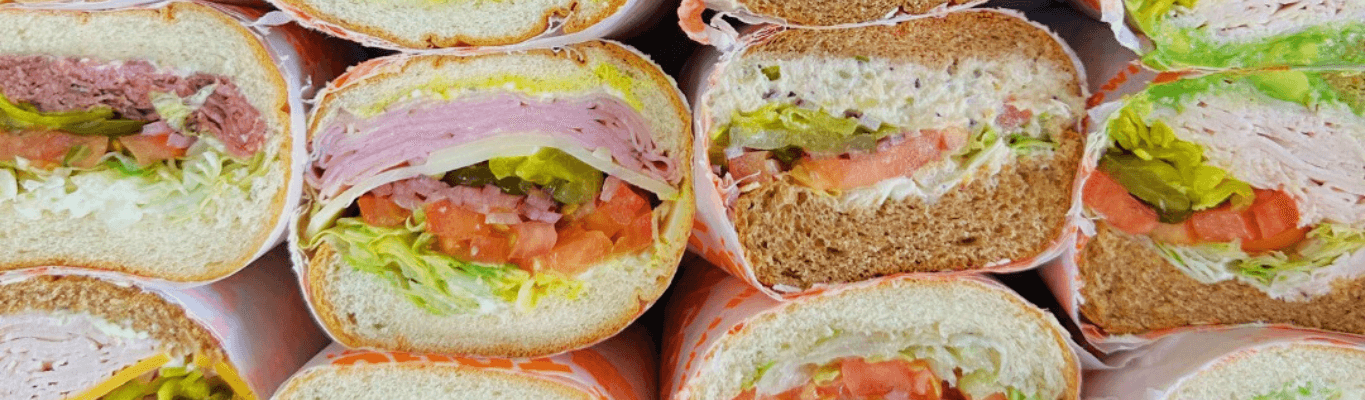
Celebrate your birthday with TOGO’S Rewards! With an active TOGO’S Rewards Account, you’ll receive a $10 Gift to use towards a TOGO’S Birthday Sandwich or other eligible menu item. Whether you’re craving a hot pastrami, turkey and avocado, roast beef, or another TOGO’S favorite, your birthday reward gives you a tasty way to celebrate. Birthday gifts are available for in-store and online redemption at participating TOGO’S locations. Birthday gifts are issued on your birthday and are valid for 14 days from the date of issue. Sign up for TOGO’S Rewards today!
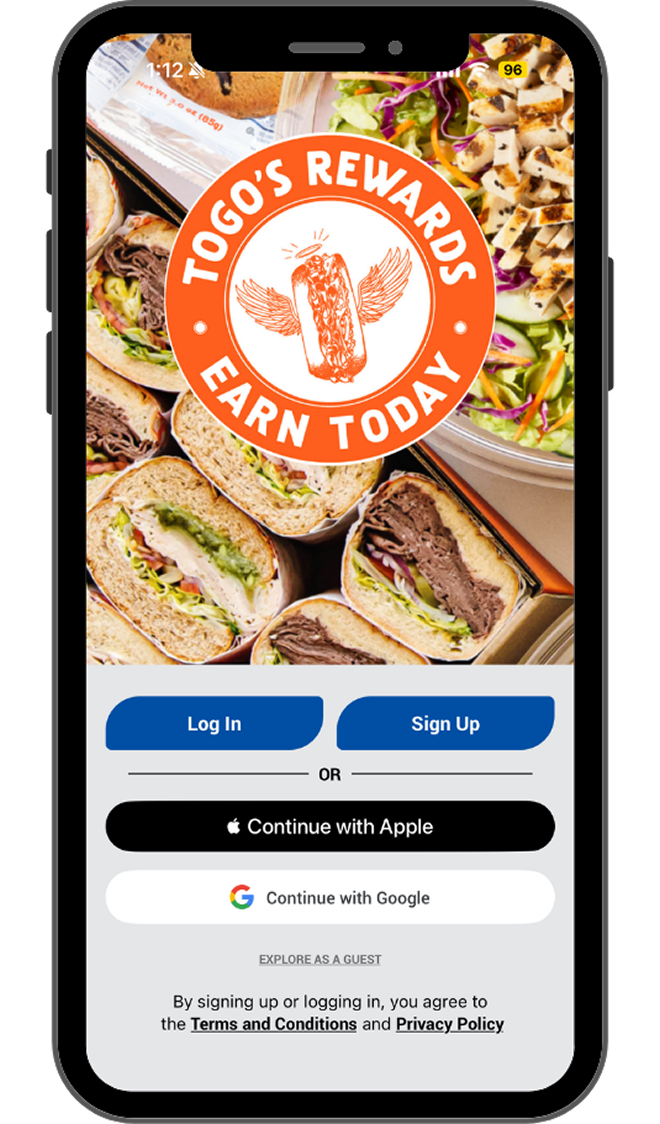
Join TOGO’S Rewards and download the TOGO’S App to stay connected to the latest rewards updates, limited-time offers, new menu announcements, and special promotions from TOGO’S. While sandwich coupons and gifts may vary, Rewards members can earn points on eligible purchases, track their progress, and receive updates when new ways to save or try something new are available.
Download our app on the Apple App Store or get it on Google Play
There are several quick and easy ways to sign up for our TOGO’S Rewards Program. You can create an account on our website, Togos.com, or through our TOGO’S App, which can be downloaded from the Apple or Google store.
The TOGO’S Rewards Program is easy and you can earn Rewards faster than before! For every $1.00 you spend, you will receive 1 point. Each time you reach 50 points, you will receive a $5 Reward. You may earn up to a maximum of 400 points per day. Orders through third party delivery or catering companies, gift card purchases, taxes, tips, donations, and fees, are excluded for point rewards.
On the date you migrate your points and Rewards, you will enter the new TOGO’S Loyalty Program. Based on your current 78 points value, you will immediately receive a $5 Reward and have a point balance of 28 points.
Your $5 Points Reward will expire 60 days after your reward is issued and cannot be reinstated or renewed once expired. You will receive expiration alerts at 14 and 5 Days prior to your reward expiring. Promotional rewards have varying expiration periods. Check your account often to see what rewards you have available to redeem. Please ensure that you are opted-in to receive TOGO’S marketing emails, so you will receive notification of any new rewards issued to you!
Orders made through third-party food delivery platforms (e.g. DoorDash, Grubhub, etc.) are not eligible to receive TOGO’S Rewards points. Additionally, these purchases are not eligible to earn points as a missed transaction request.
After migrating to the new Rewards Program, Guests can use the App to scan the QR code on the bottom of the receipt to retroactively redeem points. OR email receipt, showing date and subtotal, to Contact Us. You can scan receipts from the same day that are at least 4 (four) hours apart. Limit 2 orders per 48 hour time period. After 48 hours, purchase is no longer eligible.
We love to celebrate you! For your birthday, TOGO’S gift to you is a $10 gift for in-store and online redemption. The $10 gift is given on your birthday and is valid 14 day from date of issue. To qualify, Guests must register by the last day of the month prior to birthday.
Yes. You can redeem your birthday gift both online and in-store.
Your birthday gift will expire in 14 days from the day your reward is issued and cannot be reinstated once expired
You may redeem one $5 Points Rewards per transaction, with a maximum of two $5 Points Rewards per day with two transactions. Any balance does not carry over. Rewards must be redeemed 4 hours apart if on the same day, not in the same transaction.
Don’t worry, your points aren’t missing! They’ve just been converted to rewards. Points convert to a $5 Points Reward after you reach 50 points. Once this happens, your points earning process will start over again with any remaining points or at a balance of 0 if you do not have any remaining points.
You may earn and redeem your Rewards at any of our participating TOGO’S locations.
Guests can use the in-store scanner to check-in, use a reward, pay for the order, and even include a tip! Or, you can just check in to earn points and pay separately.
Yes, you can use the QR code to only check-in. If you add a reward, payment method, or tip on that same screen, then the QR code will handle all of that along with the check-in.
Unfortunately, no. Points are only given for eligible TOGO’S products, like sandwiches, salads, wraps, soups, chips, desserts, and drinks.
Yes, gift cards will be able to be stored in the TOGO’S App wallet, starting May 2026. Currently you can only add your credit card to your wallet.
Online, log into your account at www.togos.com/rewards. On the TOGO’s App, log in and click on “Rewards” at the bottom of your screen. You will find your rewards points balance and any stored value, along with your rewards activity.
Click the “forgot password” link on the TOGO’S Rewards login page or in the TOGO’s App.
Multiple accounts by a single Guest is not permitted in the TOGO’S Loyalty Program and is considered fraudulent. Accounts of this nature will be removed immediately.
No. Only a maximum of 400 points can be earned per day.
We are happy to help! For TOGO’S Rewards Questions, please contact Contact Us at www.togos.com/contact-us/.
This means the order has been associated with a different loyalty account already.
This means the receipt was already scanned and the order assigned to your account. If your points are not showing , the system may be slow to assign the points, or your device has not updated.